Description
Local Service Search Website with PHP and MySQL Source Code
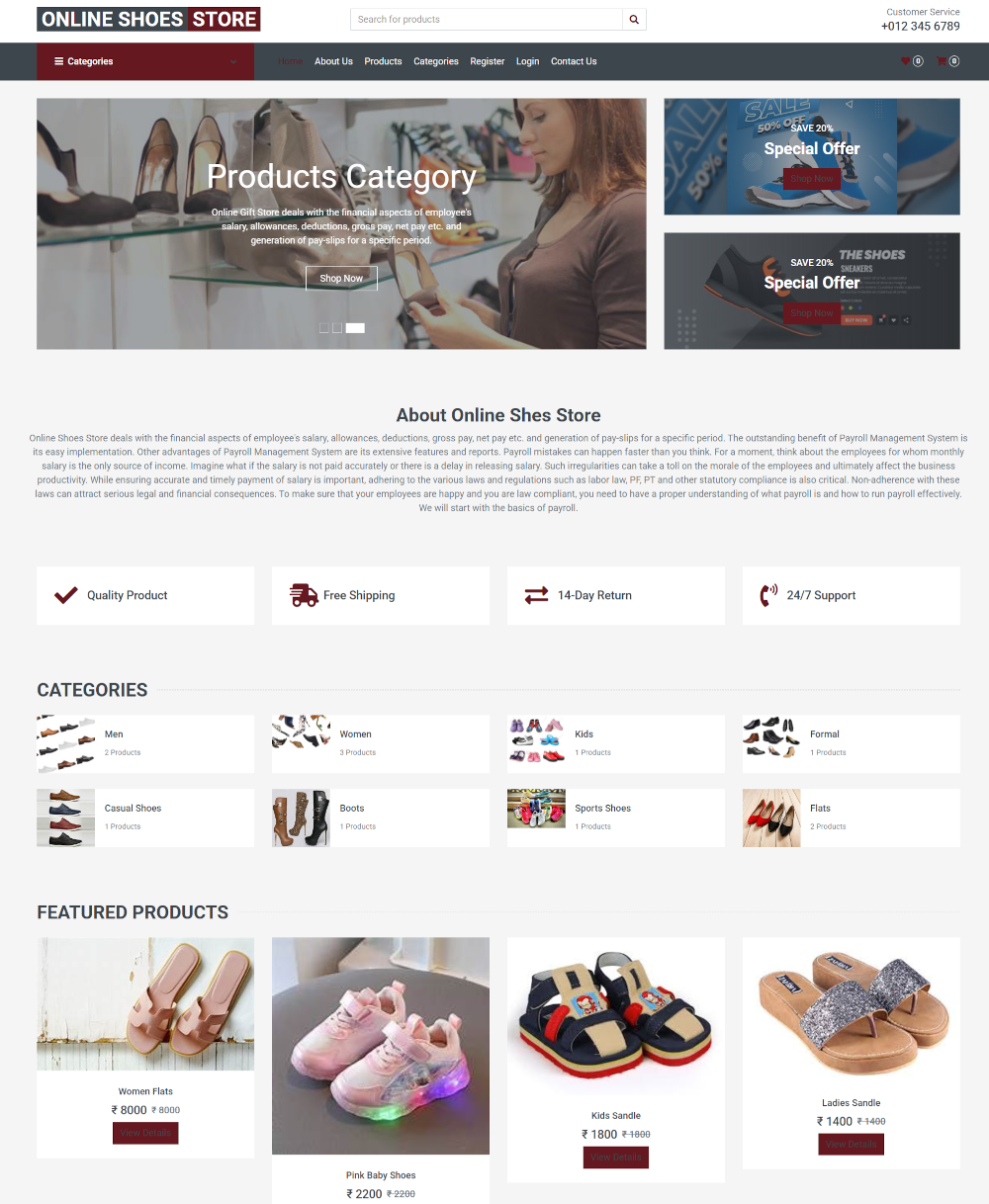
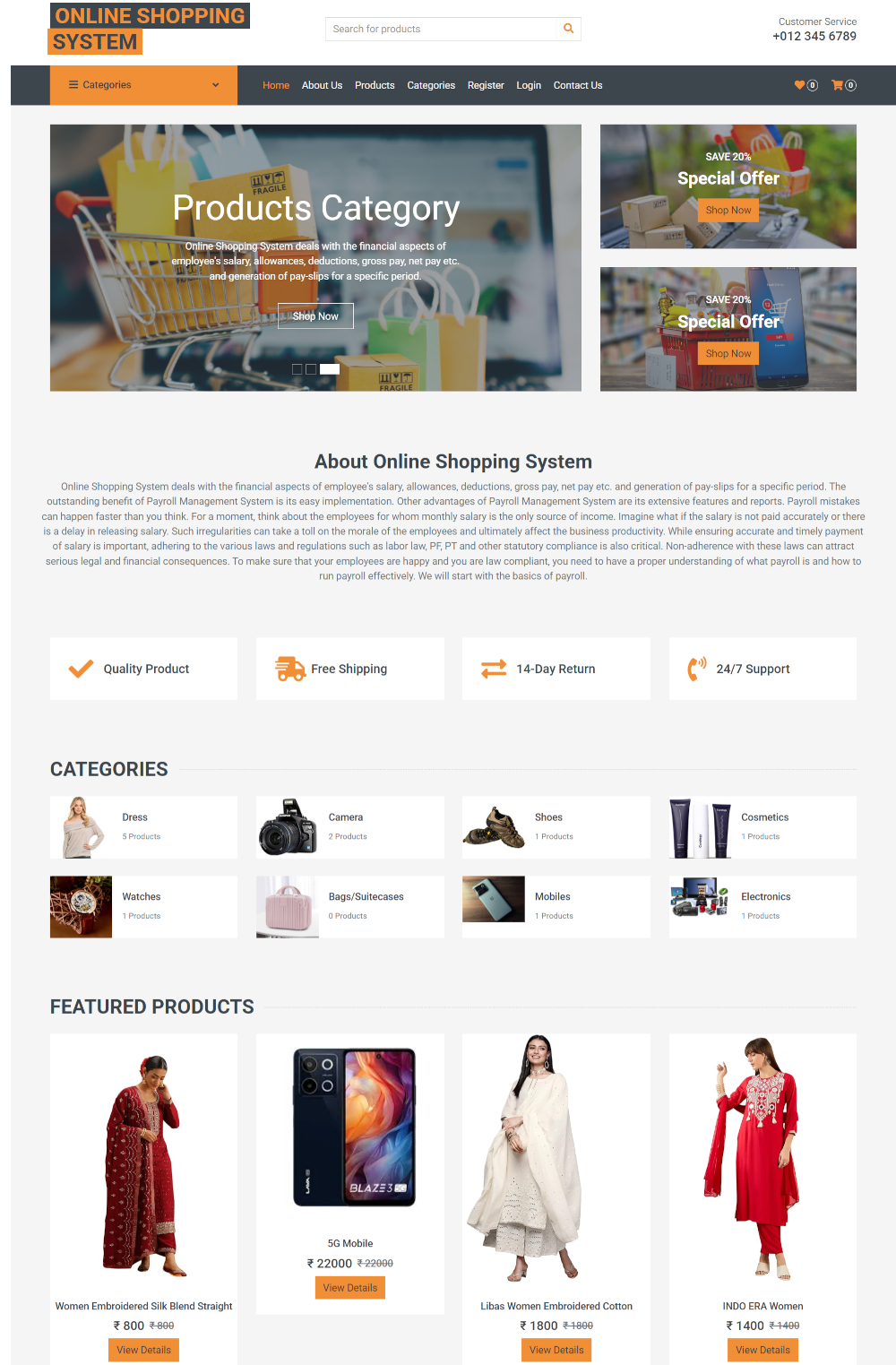
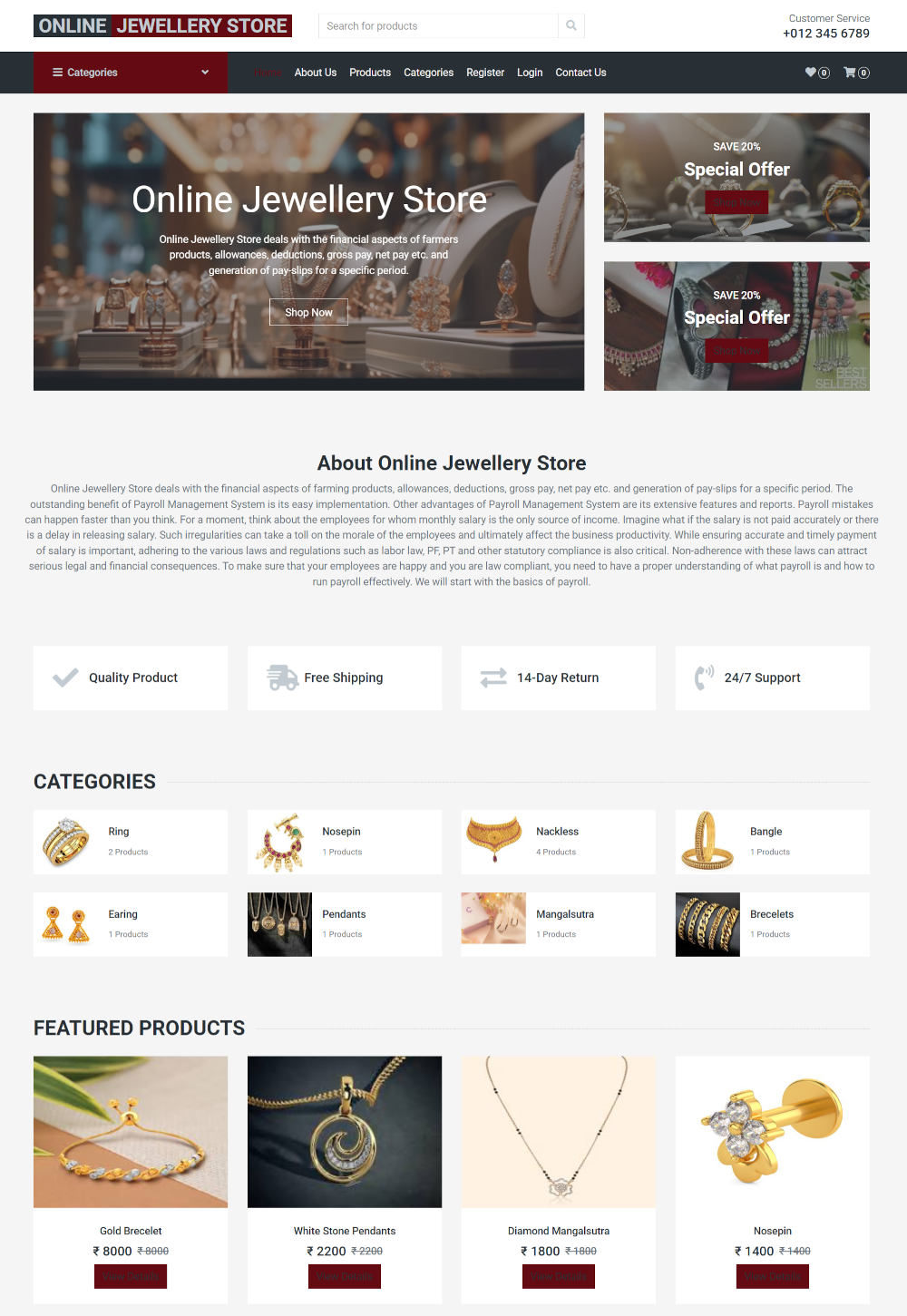
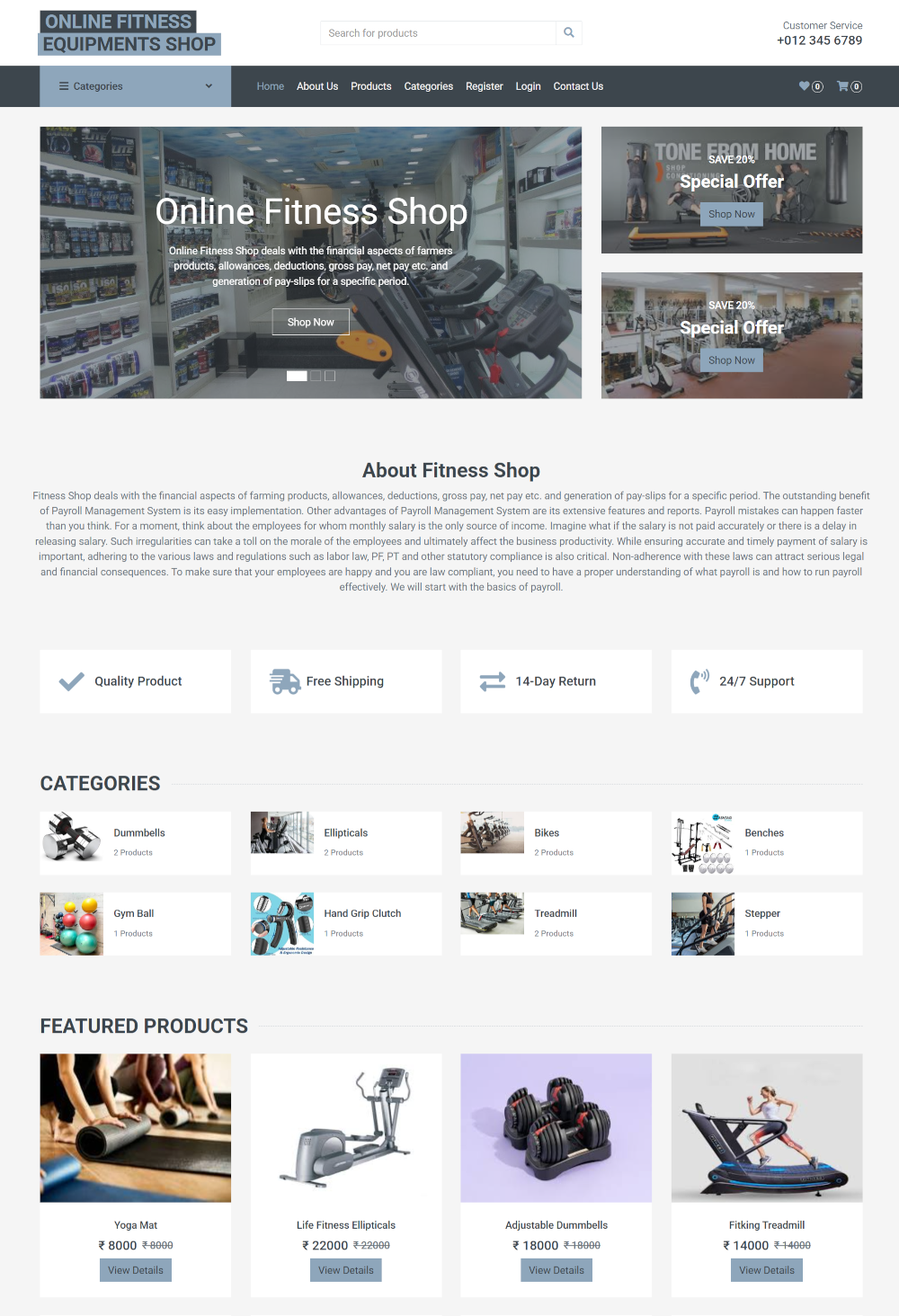
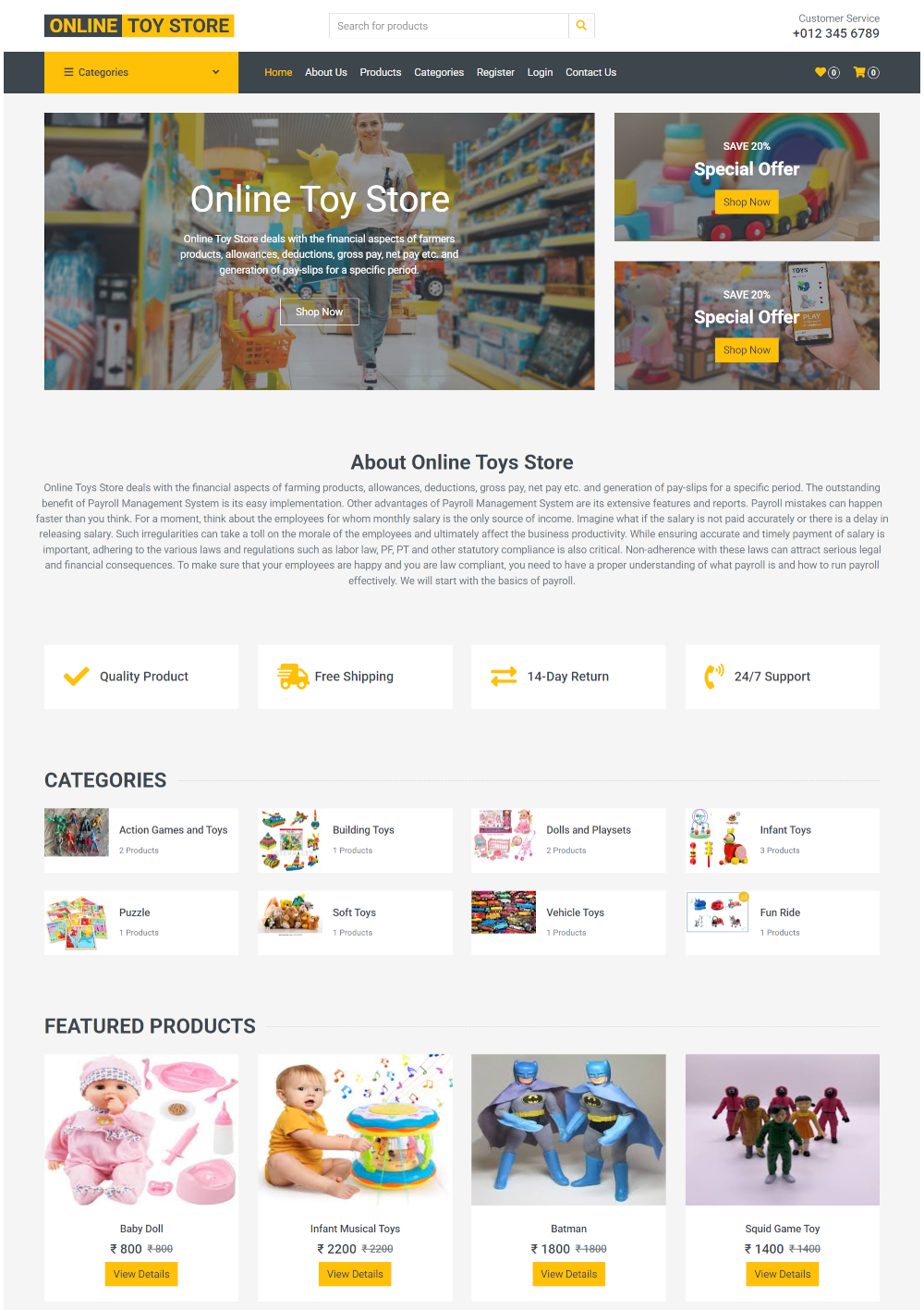
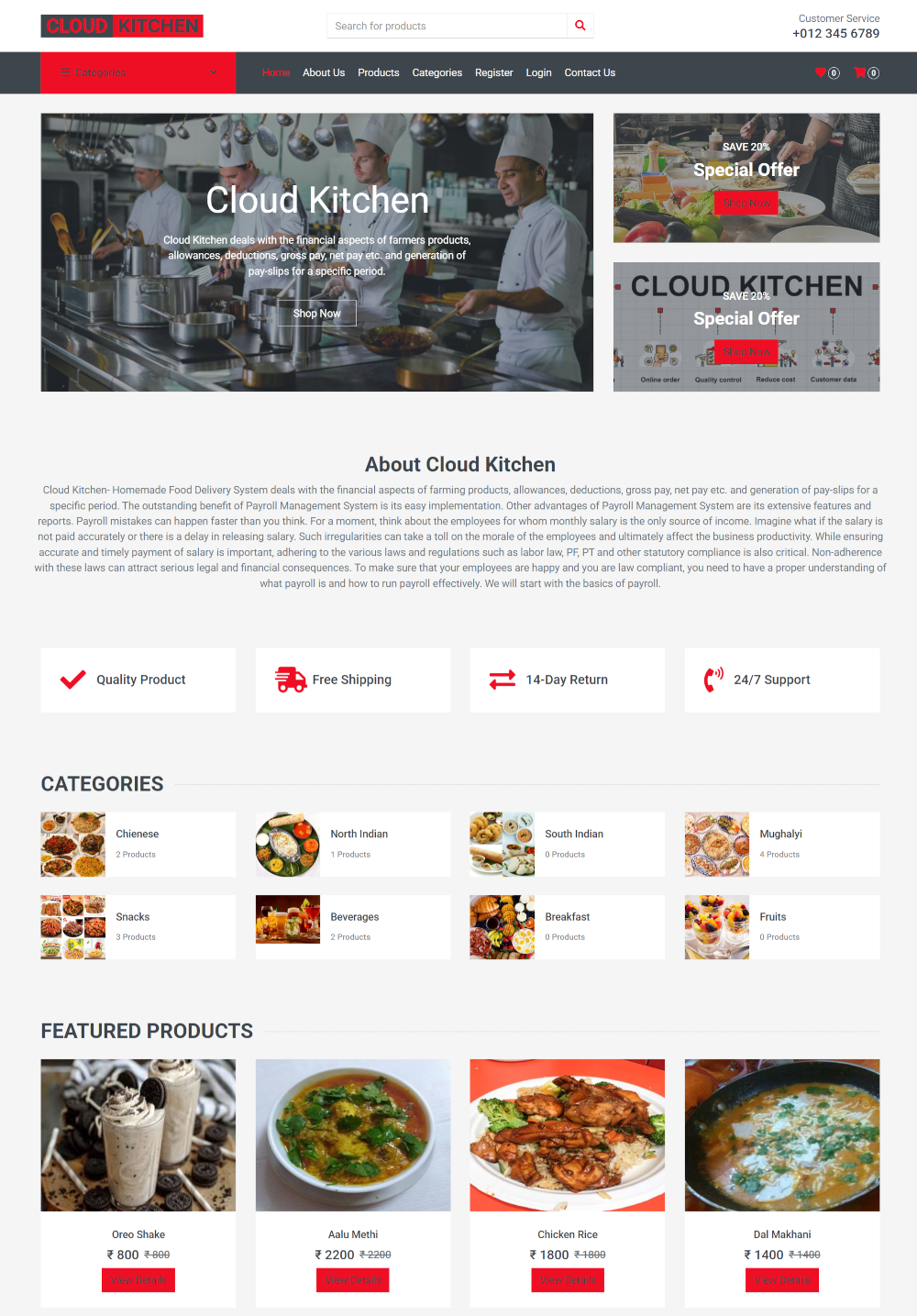
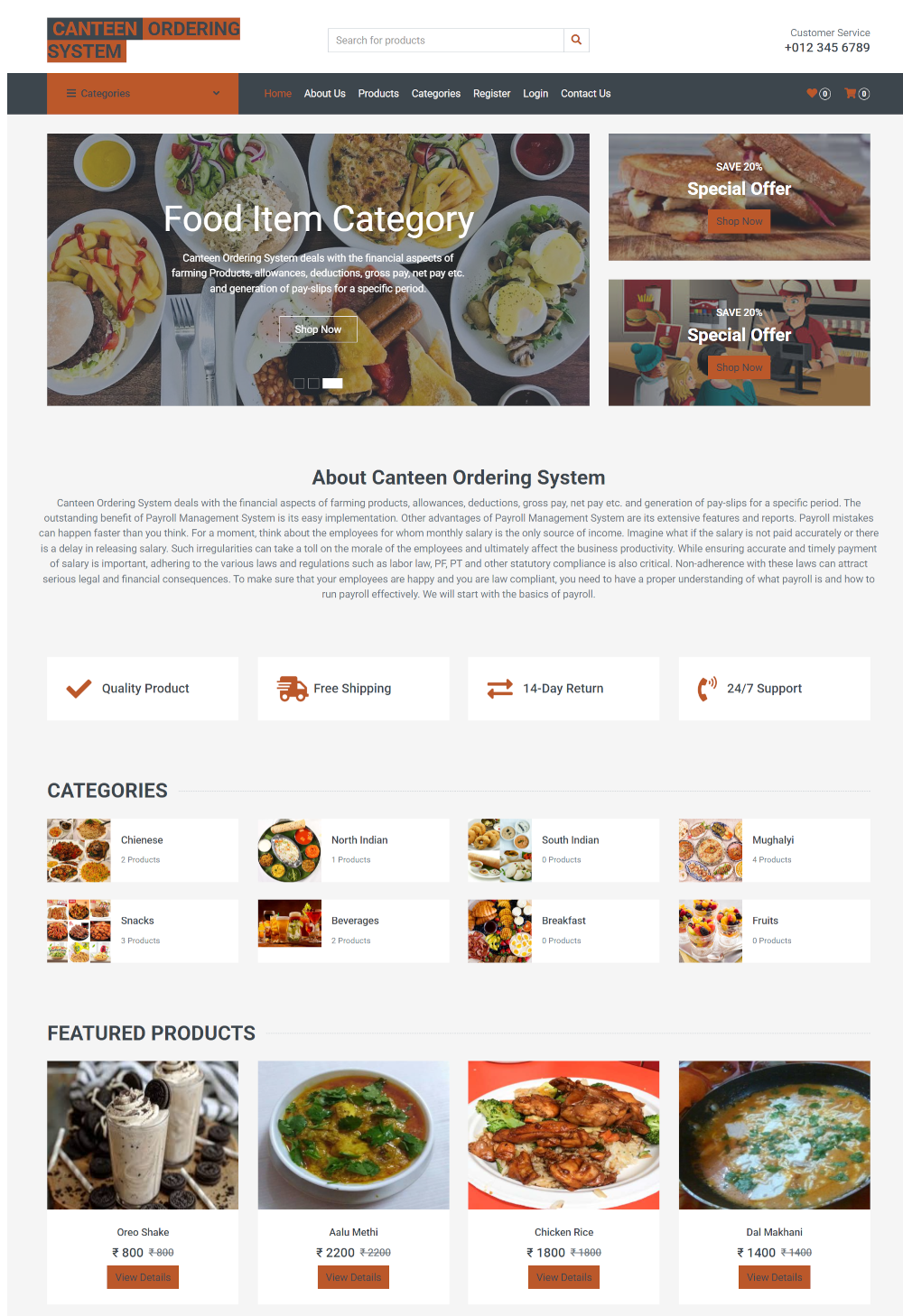
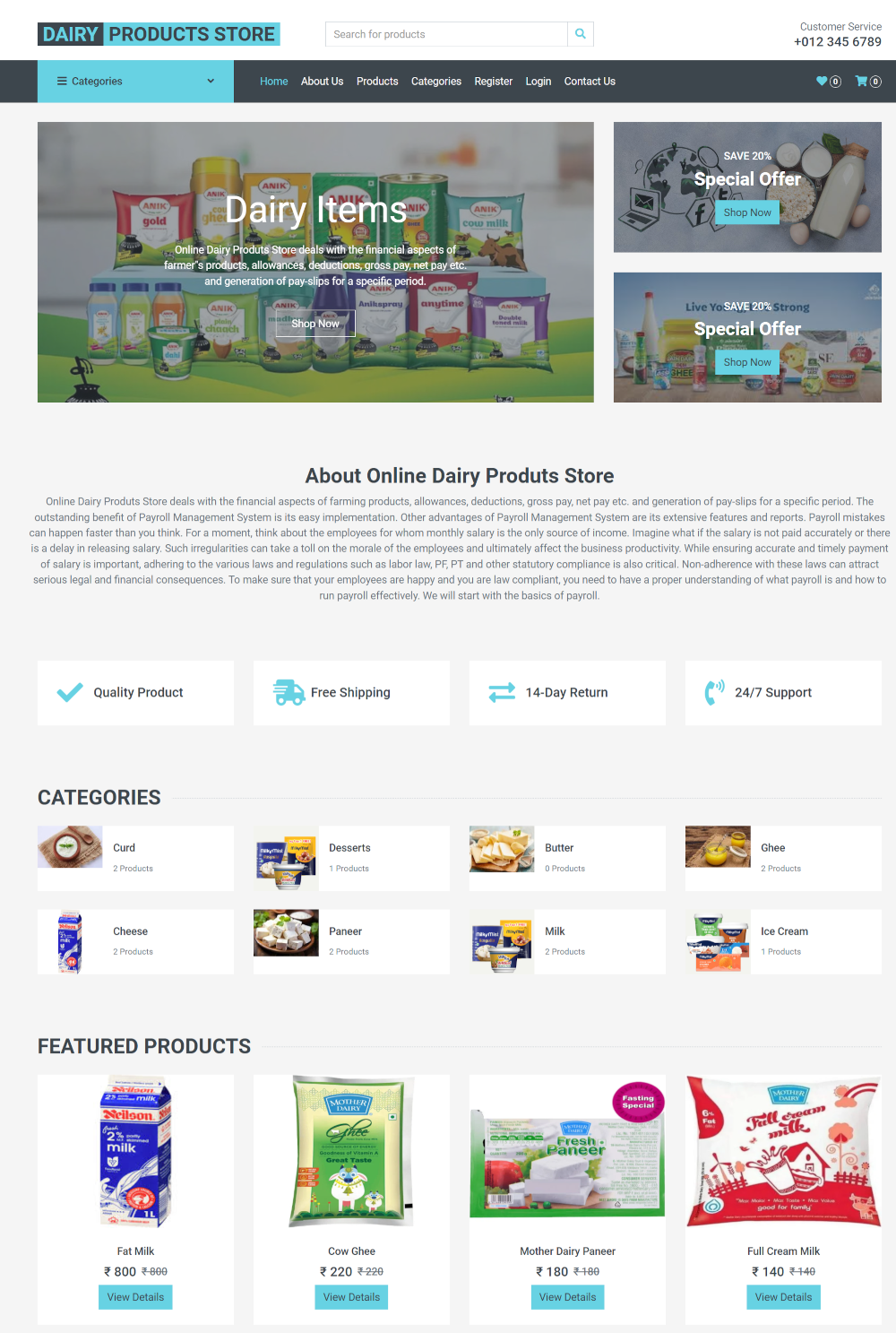
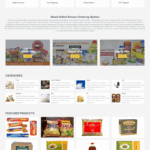
Our Local Service Search Website, which has two different interface styles, was created using PHP and MySQL. The administrator is the second, and the frontend face is the first. Despite their obvious differences, both have responsive interfaces, and we are utilizing the most recent version of Bootstrap. This enormous project will teach you a lot of things, such as how to manage databases and create, update, and remove simple apps. Consumers can search for any Service item using the search box on the PHP project Online Shopping System home page. The customer may see every item in the Service, along with its classifications and all of the information that was pulled from the database. We created dynamic product and category listing pages. Once the initial registration process is finished, the customer can log in. He is unable to purchase any Service-related items without checking in. Clients need to have an account. He is able to buy as many Service products as he wants after checking in. Our initiative is driven by sessions. The dashboard, logout, and administrator settings are all displayed. You might notice that the menu has changed after signing out due to session-driven changes. Using the admin panel, the project administrator can add new Service goods and categories, modify current ones, and remove them. All orders, including delivered, confirmed, and canceled orders, can be managed by the administrator. The customer panel allows the customer to view his order history. We used the most recent bootstrap theme, PHP version 8, and MySQL version 8. Visual Studio Code ID has also been utilized. This version of the Bootstrap project is optimized for mobile devices.
Modules and Description of Local Service Search Website:
Products Module:
The Service Module is designed to manage Service details. Admin can add, edit, and delete Service information, while customers can view the available Service options. This module facilitates the organization and presentation of Service choices for customers.
Category Module:
The Category Module is responsible for managing Service categories. Admin can add, edit, and delete categories, while customers can view the available categories. This module helps in organizing and filtering Products based on categories.
Order Module:
The Order Module is designed to manage all order-related functionalities. Admin can add, view, edit, and delete orders, while customers can view their orders. The module tracks all order information and details, ensuring efficient order management.
Customer Module:
The Customer Module focuses on managing customer-related functionalities. Admin can add, view, edit, and delete customer details, while customers can view and update their own information. Role-based access restrictions are implemented to ensure data security and privacy.
Functionality of the Project Online Shopping System:
The project includes the following functionalities:
- Login for Admin
- Forgot Password for Admin
- Edit Profile for Admin
- Change Password for Admin
- Logout Functionality
- Dashboard for Admin User
- Manage Customer
- Manage Service Details
- Manage Service Category
- Manage Service Order
- Manage System User
- Reports for Customers, Service Details, Service Category, Service Order, and System User
Functionality for Customer Users:
- Customer Registration
- Customer Login
- View All Service
- Service Order
- Service Payment Confirmation
- Change Password
Technology Used in the Local Service Search Website
The project has been developed using the following technologies:
- HTML: Page layout designed in HTML
- CSS: Styling done using CSS
- JavaScript: Validation tasks and animations implemented with JavaScript
- PHP: Business and frontend logic written in PHP
- MySQL: Database management handled with MySQL
- Apache2: Project runs on Apache2 server
- This project can be run on XAMP, LAMP, WAMP, or MAMP
Supported Operating Systems
The project can be configured on the following operating systems:
- Windows: Easily configured on Windows OS using WAMP or XAMP
- Linux: Compatible with all versions of Linux
- Mac: Can be configured on Mac OS as well